 CameraGai
Your photos and videos, edited to music.
Pick your shots and a song. CameraGai cuts them into a polished, music-synced video, ready to share.
Coming soon to the App StoreFor iPhone. Your first video is free.
How it works
Four steps, a couple of minutes. No timeline, no editing skills.
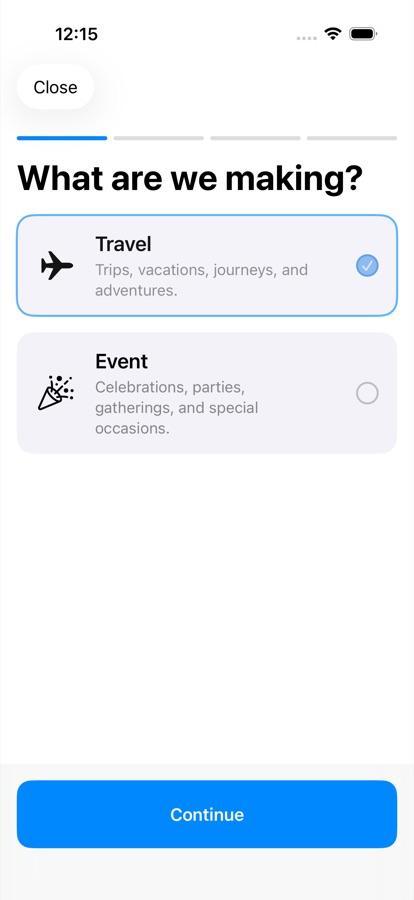
Choose a style
Travel for trips and adventures, or Event for parties and celebrations.
Pick your media
Select photos and clips straight from your library.
Choose a song
Pick a track, a length (15, 30 or 60 seconds, auto, or the full song) and vertical or horizontal.
Get your video
CameraGai edits it in the cloud. Save it to Photos or share it anywhere.
Made for the moments you never get around to editing
Your camera roll is full. CameraGai turns it into something you'll actually watch.
Synced to the beat
Cuts land with the music, so even a handful of photos feels like a real edit.
Ready for anywhere
Vertical for Stories and Reels, horizontal for TV and YouTube.
Keep going while it works
Leave the app while your video is made. It's waiting in your Library when it's done.
Private by design
Only the photos and videos you pick are uploaded, and the originals are deleted within 30 days of your video being made. No ads, no tracking.
Sign in with Apple
No passwords to create. Delete your account and data from the app at any time.
Pay as you go
Your first video is free. After that, buy credits or subscribe for a monthly allowance.